> ## Documentation Index
> Fetch the complete documentation index at: https://help.play.hosting/llms.txt
> Use this file to discover all available pages before exploring further.
# Setting up your server
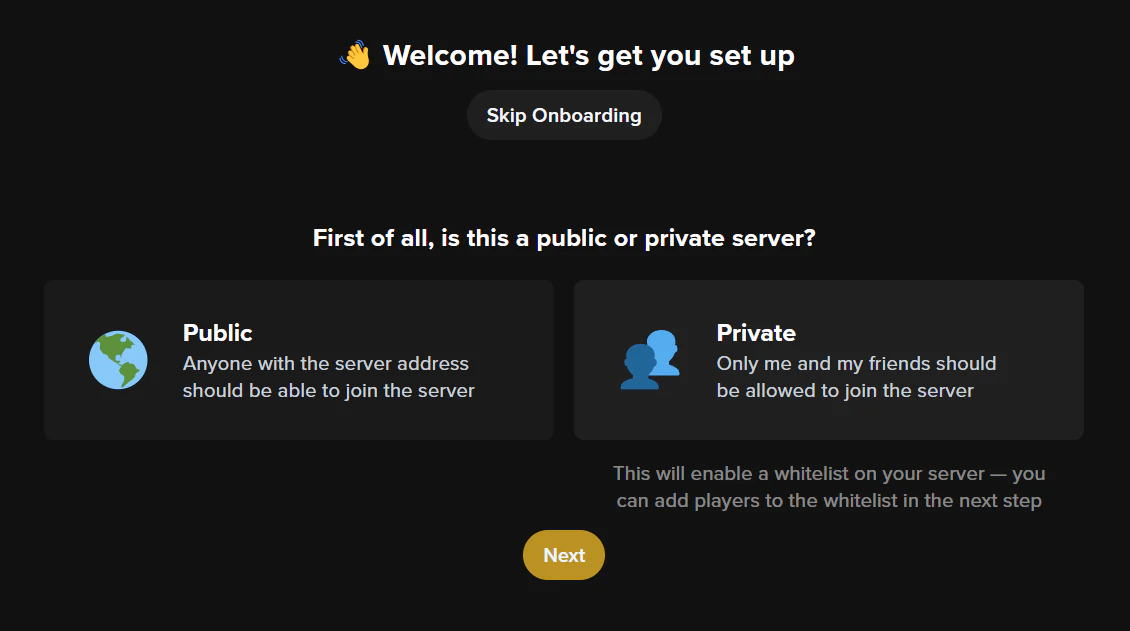
After creating your server, you'll be presented with the setup process for your Play Hosting server, where you can whitelist and op the necessary players:
 Make sure you set up a `.play.hosting` subdomain as that'll be how you connect to your server. Then you should be good to start it via the [console](/minecraft/console).